If you’re deciding whether to trust headphones or studio monitors first, consider your focus and environment. Headphones offer detailed, intimate sound vital for catching subtle nuances and blocking noise, ideal for late-night work or noisy spaces. Monitors provide a natural, broad stereo image that reflects how your mix will sound elsewhere, but they require a well-treated room for accuracy. Keep in mind, mastering both tools and your environment will improve your audio results profoundly—keep exploring to learn how.
Key Takeaways
- Use monitors for the final mix to ensure accurate representation of how the music will sound across systems.
- Rely on headphones for detailed listening and troubleshooting during the creative process.
- Consider room acoustics; well-treated environments improve monitor accuracy, while headphones block external noise.
- Trust monitors for a natural stereo image, but use headphones for precise, nuanced sound analysis.
- Use both tools in tandem: monitors for overall balance, headphones for fine details.
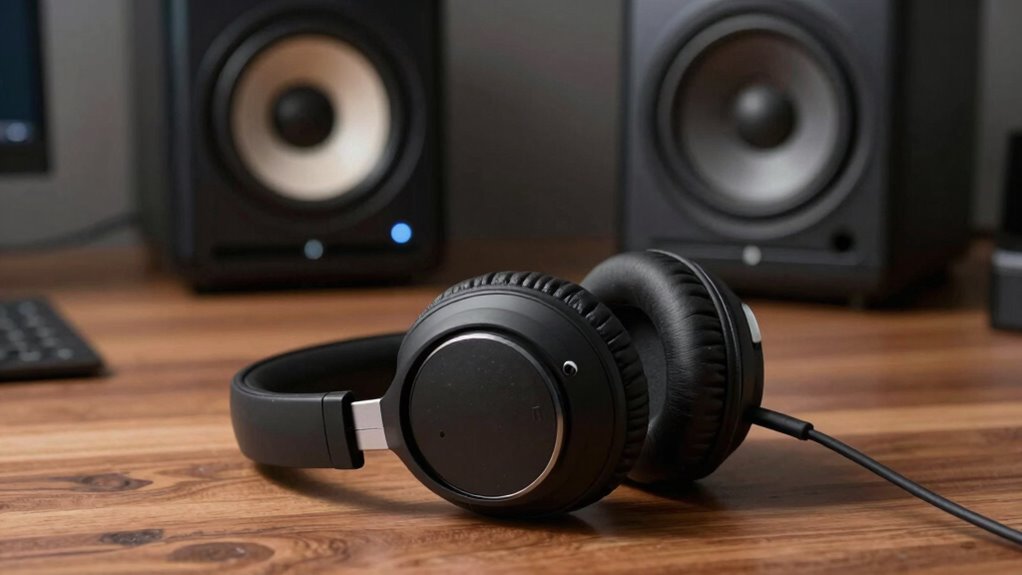
Are headphones or studio monitors better for your audio needs? It depends on what you prioritize in your listening or production experience. If you’re aiming for precise sound reproduction, then sound accuracy becomes a key factor. Headphones often excel here because they can deliver a detailed and intimate listening experience, allowing you to pick up subtle nuances in the audio. When you listen through headphones, you get a direct sound that’s less affected by room acoustics, giving you a clearer picture of the mix’s intricate elements. However, you should also consider noise isolation. Good headphones, especially closed-back models, can block out external noise effectively, ensuring you stay focused without distractions. This noise isolation helps you hear every detail, making headphones a strong choice if you need to work in noisy environments or want to avoid disturbing others.
On the other hand, studio monitors are designed to produce a flat, uncolored sound that accurately represents your audio. They excel in providing a broad stereo image and consistent sound across different frequencies, which is crucial for mixing and mastering. Unlike headphones, monitors rely on your room’s acoustics, so their sound accuracy can be compromised if your space isn’t acoustically treated. Still, they offer a natural listening experience that mimics how others will hear your music or project. This makes monitors ideal for critical listening sessions where you want to evaluate how your mix translates across different playback systems. Additionally, room acoustics play a significant role in how accurately monitors can reproduce audio, emphasizing the importance of proper setup. A well-designed listening environment can significantly enhance the effectiveness of studio monitors and improve your overall audio quality. Properly understanding and managing sound reflection within your space can further optimize your listening experience and help you make more precise adjustments. Incorporating acoustic treatment can be a game changer for achieving more accurate sound reproduction, especially when using monitors. Proper placement and calibration are also essential to avoid frequency response issues that can mislead your mixing decisions.

PreSonus Eris 3.5 Powered Studio Monitors, Pair — 3.5” Active Near
- Studio-Quality Sound: Ideal for music, gaming, movies, streaming
- Powerful Amplification: 50W built-in amp delivers distortion-free sound
- Balanced Audio Range: 3.5” woofers and 1” silk-dome tweeters for clear highs and deep bass
As an affiliate, we earn on qualifying purchases.
As an affiliate, we earn on qualifying purchases.
Frequently Asked Questions
How Do I Determine My Primary Audio Monitoring Needs?
To determine your primary audio monitoring needs, consider your environment and listening preferences. If you need sound isolation and plan to work in noisy spaces, headphones might be best. However, if you prioritize listening comfort over long sessions and a natural sound, monitors could be ideal. Think about how much space you have, your comfort during extended use, and whether you need isolation from external noise to choose the right option.
Can Headphones Replace Studio Monitors Entirely?
Think of headphones as your trusted compass, guiding you through detailed soundscapes, but they can’t fully replace the lighthouse that is studio monitors. While headphones offer personal comfort and are budget-friendly, they might miss the big picture of your mix’s spatial qualities. For accurate, full-range listening, monitors are essential. Use headphones for detail, but rely on monitors to truly capture your mix’s depth and balance.
What Is the Ideal Environment for Using Headphones or Monitors?
The ideal environment for using headphones or monitors minimizes ambient noise and guarantees equipment compatibility. You want a quiet space where external sounds won’t interfere with your listening. For monitors, a treated room with proper acoustic treatment works best. Headphones excel in noisy environments or when portability is needed. Make certain your equipment is compatible with your setup, whether you’re working with high-quality audio interfaces or specific headphone models.
How Does Room Acoustics Affect Monitor Accuracy?
Room acoustics substantially impact monitor accuracy through sound reflection and room treatment. If your room has untreated surfaces, sound waves bounce unpredictably, causing distortions and inaccurate monitoring. Proper room treatment, like bass traps and diffusers, reduces sound reflection, leading to clearer, more precise audio. Without these adjustments, you’ll struggle to trust your monitors’ true sound, making room acoustics essential for accurate mixing and reliable monitoring.
Are There Specific Genres Better Suited for Headphones or Monitors?
Surprisingly, genre specificity often guides your choice more than gear. If you prefer detailed, nuanced listening, headphones work wonders, especially for genres like classical or jazz. For loud, bass-heavy genres like EDM or rock, monitors can deliver the power and clarity you need. Ultimately, your listening preferences shape your experience, making the right choice a personal one. Sometimes, irony lies in the fact that your favorite genre dictates your gear, not the other way around.
noise isolating headphones for audio editing
As an affiliate, we earn on qualifying purchases.
As an affiliate, we earn on qualifying purchases.
Conclusion
In the end, trusting your monitors first is like setting a sturdy foundation for a house—you get an accurate picture of your sound. Headphones are great for detail and immediate feedback, but they can sometimes distort your overall mix. Think of them as a magnifying glass. For the most balanced and reliable mix, start with your monitors, then use headphones for fine-tuning. That way, your sound is as polished as a gemstone.
acoustic treatment panels for studio
As an affiliate, we earn on qualifying purchases.
As an affiliate, we earn on qualifying purchases.

Neumann MA 1 Monitor Alignment Microphone and Calibration System
- Automatic monitor alignment system: For KH DSP loudspeakers and subwoofers
- Includes calibration software: Measurement microphone compatible with macOS/Windows
As an affiliate, we earn on qualifying purchases.
As an affiliate, we earn on qualifying purchases.