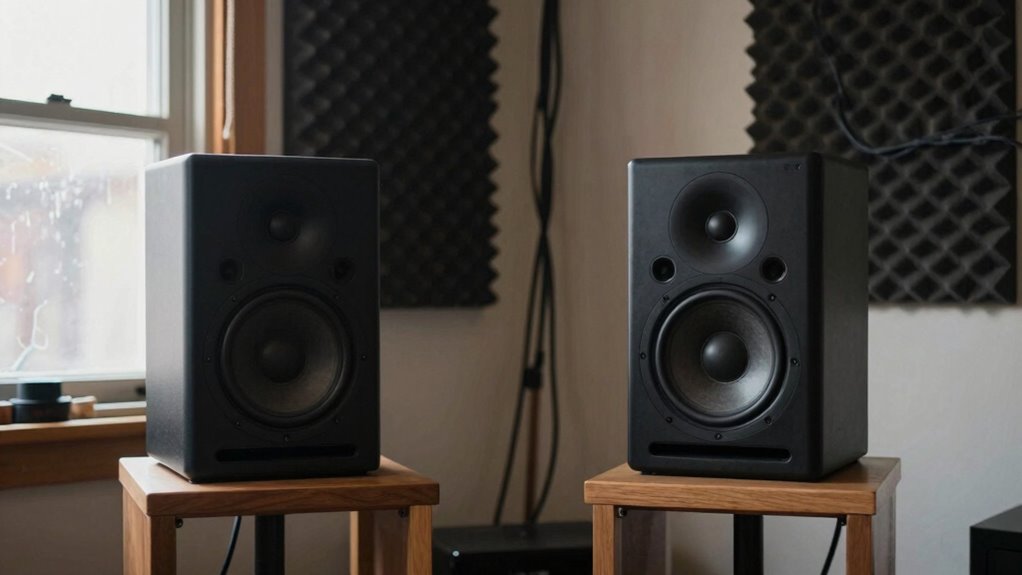

If your studio monitors sound off in your room, it’s likely because poor acoustics cause reflections, echoes, and standing waves, which distort your sound. These issues create muddy, unbalanced audio that even high-quality monitors can’t fix alone. Without proper treatment, like bass traps and diffusers, your room shapes the sound and leads to misleading mixes. Keep going, and you’ll discover how to fix these problems and get accurate monitoring.
Key Takeaways
- Poor room acoustics cause reflections and echoes that distort monitor sound, making it unbalanced and muddy.
- Uncontrolled reflections lead to comb filtering and phase cancellations, degrading sound clarity.
- Without proper treatment, room shape and materials negatively influence monitor accuracy.
- High-quality monitors alone can’t fix acoustic issues caused by a chaotic environment.
- Calibration and room treatment are essential for honest, reliable sound perception from monitors.
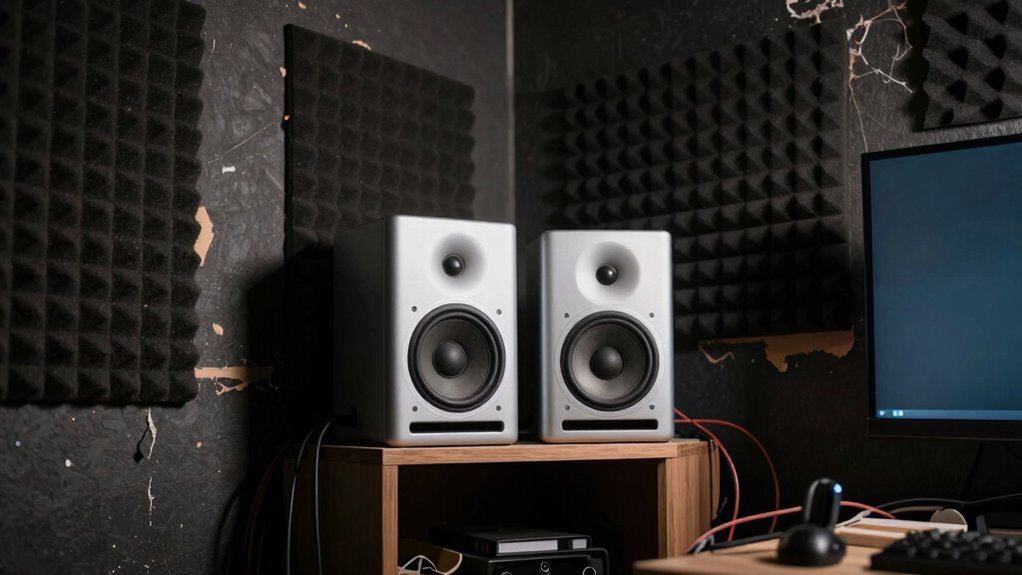
When you set up studio monitors in a room with poor acoustics, you might notice the sound is muddy, unbalanced, or difficult to interpret. That’s a clear sign your space needs some attention before you can trust what you’re hearing. The main issue is that bad rooms create reflections, echoes, and standing waves that distort the true sound of your monitors. Without proper room treatment, even the most accurate monitors will produce misleading audio cues, making it hard to make precise mixing decisions. To fix this, you need to focus on room treatment—adding bass traps, diffusers, and absorbers—to tame unwanted reflections and control sound behavior within the space.
Poor room acoustics create reflections and echoes that distort monitor sound, making accurate mixing difficult.
But treatment alone isn’t enough. Acoustic calibration plays a crucial role in leveling the playing field. It involves measuring how sound behaves in your room and adjusting your monitors or audio system accordingly. This process helps you identify problematic frequency peaks or dips caused by the room’s shape and materials. Once you understand these issues, you can implement corrective measures—like EQ adjustments or speaker placement tweaks—to bring the sound closer to neutrality. Acoustic calibration ensures you’re not just guessing about what your monitors are telling you; it gives you a clear, calibrated reference to work from. Additionally, understanding the room’s acoustic properties can significantly improve your ability to create a balanced mix. Recognizing how the room’s design influences sound behavior is essential for effective acoustic treatment, and utilizing measurement tools can greatly enhance your calibration process. Being aware of acoustic principles helps you anticipate and address common issues more effectively. Understanding room acoustics allows for a more strategic approach to setting up your studio environment.
The problem is that many people overlook the importance of room treatment and acoustic calibration. Instead, they assume that better monitors alone will solve all audio issues. But in reality, even the most high-end speakers can’t compensate for a poorly treated room. Reflections bounce around, creating comb filtering and phase cancellations that muddy the sound. You might hear exaggerated bass or overly harsh treble, which leads to incorrect mixing decisions when you listen in other spaces. This is why investing in proper room treatment and calibration tools is essential—without them, your mixes won’t translate well outside your studio.
In essence, your room’s acoustics define what you hear. No matter how expensive or accurate your monitors are, they can’t perform their best in a space that’s acoustically chaotic. By prioritizing room treatment and conducting thorough acoustic calibration, you set a solid foundation for honest, reliable sound. This allows you to make more confident mixing decisions, knowing your monitors are giving you a true representation of your audio. Without these steps, you’re just guessing, and that’s a recipe for mixes that won’t sound right on other systems or in different environments.

Studio Monitor Isolation Pads for 6-8 Inch Monitors | 370x260x45mm / (14.6×10.25x 1.8 in) | Pair of Two Acoustic Foam
APPLICATION: This is a cable system designed for suspending panels or various decorative elements from the ceiling.
As an affiliate, we earn on qualifying purchases.
As an affiliate, we earn on qualifying purchases.
Frequently Asked Questions
Can Room Treatment Completely Fix Sound Issues in a Bad Room?
Room treatment can substantially improve sound issues, but it might not fix everything in a bad room. You need to focus on room symmetry and strategically place acoustic panels to reduce reflections and standing waves. While treatment helps, some problems stem from room shape or size that can’t be fully corrected with panels alone. Combining treatment with proper speaker placement and room design gives you the best chance for accurate sound.
Do Different Studio Monitor Brands Perform Better in Problematic Spaces?
Different studio monitor brands can perform better in problematic spaces, but monitor placement and brand consistency matter most. Some brands offer models with better dispersion and more neutral sound, helping you adapt to room issues. However, no brand completely overcomes poor placement or acoustic flaws. You’ll get the best results by choosing a trusted brand and carefully positioning your monitors, then complementing that with room treatment to improve sound accuracy.
How Long Does It Take to Improve Room Acoustics Significantly?
It can take weeks or even months to see a truly dramatic improvement in your room’s acoustics. With dedicated room calibration and high-quality acoustic panels, you’ll notice the difference faster, but significant changes require patience. You should start seeing noticeable results within a few weeks, yet achieving ideal sound can take longer. Consistent adjustments and measurements are key to transforming your space into a studio that sounds as good as it looks.
Are Portable or Smaller Monitors Better for Compromised Rooms?
Portable or smaller monitors can be better for compromised rooms because they suit smaller room sizes and are easier to position for ideal monitor placement. Their size reduces room interactions, minimizing acoustic issues. You’ll want to experiment with placement to find the sweet spot where sound reflects less and clarity improves. While they aren’t a complete fix, smaller monitors are a practical choice when room conditions limit your options.
Can Software EQ Compensate for Poor Room Acoustics Effectively?
Can software EQ truly fix poor room acoustics? Think of it as trying to paint over a flawed wall—while it might hide some issues, it won’t fix the underlying problem. Software EQ can help improve frequency response and compensate for certain room anomalies, but it can’t replace proper speaker positioning and acoustic treatment. Relying solely on EQ often leaves your mixes sounding unbalanced, so room correction tools are just part of the solution.

8 Pack – Bass Traps Acoustic Foam Corner, 8''x8''x12'' Black Bass Traps Corner Studio Foam, High Density and Fire-Proof Acoustic Panels Recording Studio Acoustical Treatments
Acoustic Principle- Bass Trap is a kind of sound absorbing structure specially used to absorb specific low-frequency standing…
As an affiliate, we earn on qualifying purchases.
As an affiliate, we earn on qualifying purchases.
Conclusion
Just like Icarus soaring too close to the sun, chasing perfect sound in a bad room often leads to disappointment. Your studio monitors, no matter how advanced, can’t defy the flaws of poor acoustics. Remember, true harmony isn’t just in your gear but in the space you create. When you address your room’s issues, you open the full potential of your monitors—transforming a chaotic space into your personal symphony.

4Pack Acoustic Wall Panel Self-Adhesive Soundproof Foam Panels for Wall, 3D Perforated Tri-Layer Polyester Fiber Decorative Acoustic Insulation for Recording Studio, 24×12×1.78", Elliptical-Line
【Tri-layer composite acoustic structure】The outer layer of this acoustic panel consists of two layers of high-density polyester fibreboard,…
As an affiliate, we earn on qualifying purchases.
As an affiliate, we earn on qualifying purchases.

datacolor Spyder – Monitor Calibrator for Graphic Designers, Photographers, and Content Creators, Shows You True Colors, Works on OLED Monitors & LED Screens, Easy-to-Use Color Calibration Tool
Color “Surprises” Are a Thing of the Past: Datacolor’s exclusive DevicePreview TM Beta feature simulates what your photos…
As an affiliate, we earn on qualifying purchases.
As an affiliate, we earn on qualifying purchases.