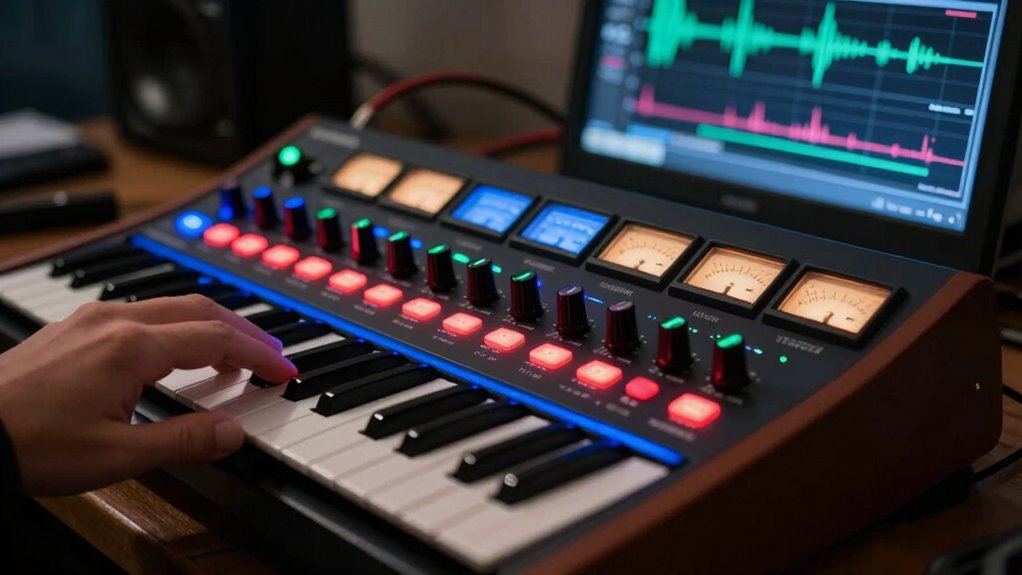

To build a signature synth patch from scratch, start by choosing a basic waveform like a sine, square, or sawtooth. Shape your tone by adjusting oscillator and filter settings carefully, then add modulation such as LFOs or envelopes for movement. Experiment with effects like reverb or distortion to enhance character. Keep refining your parameters and layering sounds until you find a unique sound. Exploring these steps further will reveal more creative possibilities for your signature patch.

Get audio and creator gear delivered free with Prime
- Fast, free delivery on millions of items
- Prime Video, Amazon Music and more included
- Member-only deals all year
Key Takeaways
- Choose a fundamental waveform (sine, square, sawtooth, triangle) to define your sound’s core tone.
- Adjust oscillator parameters and use filters to shape the frequency content and character.
- Incorporate modulation sources like LFOs or envelopes to add movement and dynamics.
- Apply effects such as reverb, delay, or distortion to enhance and personalize the sound.
- Utilize MIDI controls for real-time tweaking and automation to refine your signature sound.
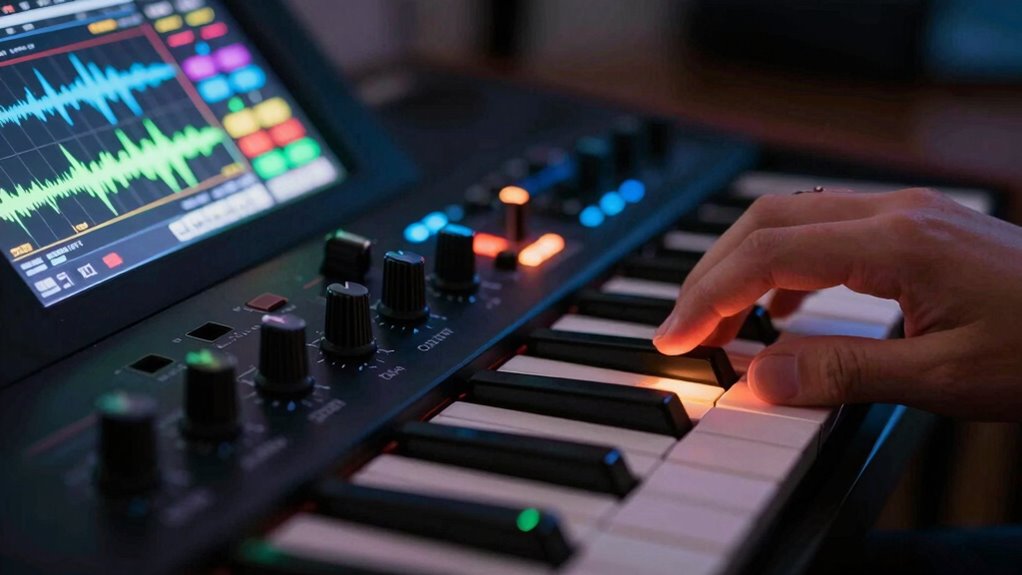
Creating a signature synth patch allows you to craft a unique sound that defines your musical identity. When starting this journey, you need to consider whether you prefer the warmth and character of analog synthesis or the precision and versatility of digital synthesis. Analog synthesizers produce sound through voltage-controlled oscillators, filters, and amplifiers, giving your patch a rich, organic feel. Digital synthesizers, on the other hand, use algorithms and sample-based sounds, offering more stability and a wider range of modulation options. Your choice influences the sound’s texture, complexity, and how easily you can tweak it. Many musicians combine both approaches, blending analog warmth with digital clarity to create something truly distinctive.
Choosing between analog warmth and digital precision shapes your unique, expressive synth sound.
Once you’ve chosen your platform, you should explore MIDI control options, which are essential for shaping your sound efficiently. MIDI controllers give you hands-on control over parameters like pitch, modulation, filter cutoff, and resonance, making the process more intuitive. They also enable you to automate changes over time, adding expressiveness to your performance. Whether you opt for a hardware keyboard, pad controller, or software-based MIDI interface, these tools streamline your workflow and help you experiment with different sonic textures. If you’re working with a digital synth, MIDI mapping allows you to assign various controls to physical knobs or sliders, so you can tweak multiple aspects of your patch in real time. This flexibility encourages rapid iteration, helping you find the perfect balance of harmonics, filters, and modulation.
Building your patch from scratch involves starting with a basic waveform—sine, square, sawtooth, or triangle—and then shaping it through filters and modulation sources. Adjust the oscillator settings to set the fundamental tone, then modify the filter to emphasize or diminish certain frequencies. Using LFOs (low-frequency oscillators) or envelopes, you can add movement and dynamics to your sound, making it more lively and expressive. Don’t forget to experiment with effects like reverb, delay, or distortion, as they can dramatically change the character of your patch. Incorporating digital concepts can also expand your creative possibilities by adding layers of complexity and precision. Additionally, understanding the importance of sound design principles helps you craft more cohesive and impactful patches.
In the end, building your signature synth patch is about exploration and refinement. Understanding whether to lean toward analog or digital, and mastering your MIDI control options, empowers you to craft sounds that are truly your own. The process combines technical knowledge with creative intuition, allowing you to develop a signature sound that stands out in your music. Keep experimenting, and don’t be afraid to push boundaries—your unique sonic fingerprint is waiting to be discovered.
As an affiliate, we earn on qualifying purchases.
Frequently Asked Questions
What Are the Essential Components of a Synth Patch?
You need to understand the core synth architecture, which includes oscillators, filters, amplifiers, and modulation sources. These components shape your sound and are guided by sound design principles like frequency modulation, wave shaping, and envelope shaping. By adjusting parameters within these elements, you create unique tones. Focus on how each part interacts, enabling you to craft a signature patch that reflects your creative vision.
How Do I Choose the Right Oscillator Waveforms?
They say, “variety is the spice of life,” and this applies to choosing oscillator waveforms. You want a mix of waveform variety to shape your sound, so experiment with sine, saw, square, and triangle waves. Use oscillator blending to combine these waveforms creatively, creating unique textures. Trust your ears—select waveforms that complement each other and achieve the tonal character you want in your signature synth patch.
What Modulation Techniques Can Enhance My Patch?
You can enhance your patch with modulation techniques like LFO modulation and amplitude modulation. Use LFOs to create vibrato, tremolo, or evolving filter effects, adding movement and interest. Incorporate amplitude modulation to vary the volume dynamically, producing pulsating sounds or rhythmic textures. Experiment with different LFO waveforms and speeds to shape your sound creatively. These techniques make your patch more expressive and engaging, giving it a signature, animated quality.
How Do I Save and Recall My Custom Patches?
Did you know musicians often save over 80% of their custom patches? To save your patches, use your synth’s patch storage feature—most have dedicated buttons or menus. Recall methods include browsing through memory banks or using preset numbers. Make sure to label your patches clearly to quickly find your favorite sounds later. Regularly backing up your patches to external storage can also protect your creative work.
What Are Common Troubleshooting Steps for Sound Issues?
When troubleshooting sound issues, start by checking your MIDI integration to guarantee signals are correctly routed. Confirm hardware compatibility—some synths or interfaces might not work seamlessly together. Verify all connections, power sources, and settings. Adjust volume levels and check for muted channels. If problems persist, reset your synth’s settings or update firmware. These steps help isolate issues and get your sound back on track quickly.
analog synthesizer with modulation options
As an affiliate, we earn on qualifying purchases.
As an affiliate, we earn on qualifying purchases.
Conclusion
As you weave your unique sound into the fabric of your synthesis journey, remember that every crafted patch is a quiet whisper of your artistic essence. Embrace the subtle nuances, for they often hold the deepest stories. With patience and curiosity, your signature tone will gently emerge, like a delicate bloom in a hidden garden. Trust the process, and let your sonic identity softly unfold—an enduring proof to your creative voyage.
digital synth with customizable patches
As an affiliate, we earn on qualifying purchases.
As an affiliate, we earn on qualifying purchases.
synthesizer effects pedal reverb distortion
As an affiliate, we earn on qualifying purchases.
As an affiliate, we earn on qualifying purchases.
Halloween Picks
halloween
As an affiliate, we earn on qualifying purchases.