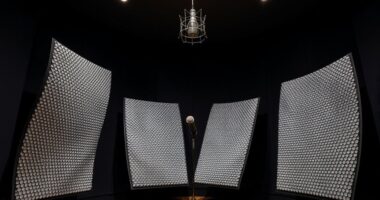

To master Dolby Atmos and 3D mixing, you’ll want to use specialized tools like digital audio workstations (DAWs) that support Atmos workflows and plugins designed for spatial audio placement. You’ll assign sounds as objects that can move freely within a 3D space, positioning them above, below, or behind the listener. Techniques involve precise placement, movement, and interaction of audio elements to create an immersive experience. Continuing further will reveal detailed methods to optimize your mixes.
Key Takeaways
- Utilize specialized DAWs and plugins that support Dolby Atmos for accurate 3D sound placement.
- Assign audio tracks as objects to enable free movement within a three-dimensional space.
- Employ visual positioning tools to intuitively place and adjust sounds in height, width, and depth.
- Incorporate height channels and vertical panning techniques for precise vertical sound positioning.
- Apply creative and technical strategies during mixing to enhance immersion, depth, and emotional impact.
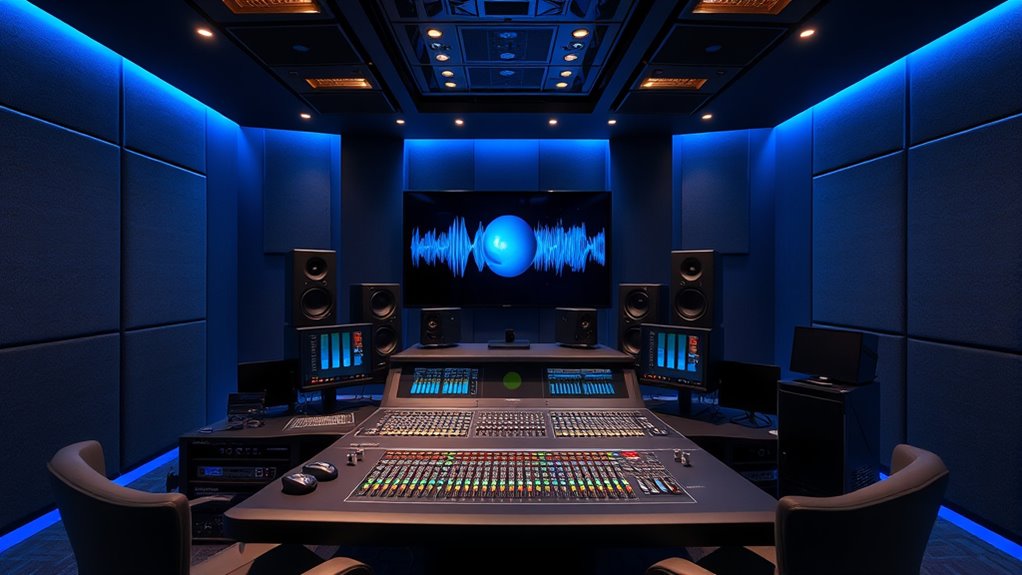
Dolby Atmos has revolutionized the way we experience sound by creating a truly immersive audio environment. When you listen to content encoded with Dolby Atmos, you’re not confined to a fixed stereo field; instead, you’re enveloped in a dynamic soundscape that moves around you in three-dimensional space. This technology leverages spatial audio, which simulates how sound behaves in the real world, allowing individual sounds to originate from precise locations both horizontally and vertically. As a result, your listening experience becomes more natural and engaging, heightening the emotional impact of movies, music, and gaming.
With Dolby Atmos, you can think of your audio setup as a multi-layered environment where sound sources are placed intentionally across a three-dimensional grid. This spatial audio capability means that sounds can be positioned above, below, or behind you, creating a sense of depth and movement that traditional surround sound simply can’t match. When mastering or mixing content for Atmos, you’re fundamentally designing an immersive experience where every element has a designated place in space. This demands a different approach compared to conventional stereo or 5.1 surround sound mixing, as you need to consider the height channels and how sounds interact in a three-dimensional field.
Dolby Atmos creates a multi-layered, three-dimensional sound environment with precise positioning above, below, and around the listener.
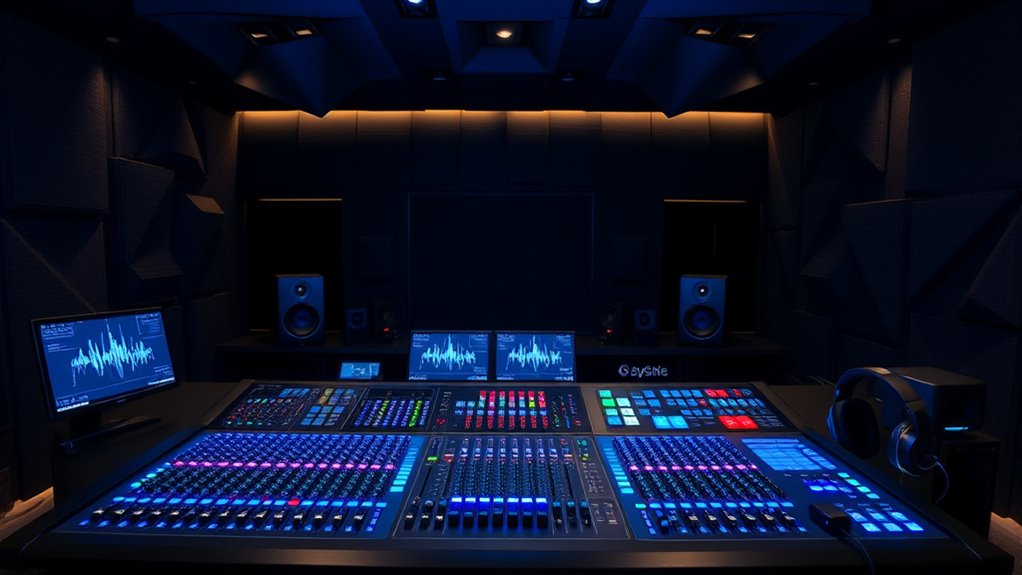
To achieve this, you’ll rely on specialized tools and techniques that allow precise placement and movement of audio objects within the mix. Many digital audio workstations (DAWs) now support Dolby Atmos workflows, enabling you to assign audio tracks as objects that can be moved freely in 3D space during playback. Panning becomes more complex but also more flexible, as you’re not limited to left, right, front, or back — sounds can drift seamlessly above or below the listener. You’ll also use dedicated plugins and controllers designed for spatial audio positioning, which help visualize the placement of sounds in the 3D environment, making your workflow more intuitive. Additionally, support hours for Dolby Atmos tools and software can vary, so staying informed about technical assistance options is beneficial.
Ultimately, mastering in Dolby Atmos involves blending artistic vision with technical precision. You want your audience to feel fully immersed, as if they’re inside the scene or concert hall. This means carefully crafting each sound’s position, movement, and interaction to enhance storytelling or emotional impact. Whether you’re mixing a blockbuster film or an album, understanding and utilizing the tools for 3D mixing allows you to create a truly immersive experience that captures the full potential of spatial audio. As you become more proficient, you’ll notice how this technology transforms the way your audience perceives and interacts with sound, making your projects stand out with a new level of depth and realism.
Frequently Asked Questions
How Does Dolby Atmos Differ From Traditional Surround Sound?
You’ll notice Dolby Atmos offers heightened immersion and spatial precision compared to traditional surround sound. Unlike standard setups that limit audio to specific channels, Atmos places sounds in a three-dimensional space, including overhead. This creates a more realistic experience, making you feel like you’re inside the scene. You get clearer directional cues, and sounds move seamlessly around you, enhancing your overall listening or viewing experience with dynamic, lifelike audio.
What Are the Best Software Tools for 3D Mixing?
You should explore software tools like Ambisonic plugins such as IEM Plugin Suite or Facebook 360 Spatial Workstation, which are excellent for 3D mixing. These tools allow you to position sounds precisely in a 3D space. Incorporate spatial equalization to enhance clarity and immersion, adjusting frequencies based on sound location. These tools give you the control needed to create immersive, professional 3D mixes with ease.
Can I Convert Stereo Recordings Into Dolby Atmos?
Think of your stereo recordings as a flat canvas waiting to be painted in 3D. You can definitely convert stereo to Dolby Atmos, making it Atmos compatible. Use specialized software for stereo conversion that adds height and space, transforming your mix into an immersive experience. While it’s not a perfect replication of true 3D sound, it’s a great way to give your audio more depth and dimension.
What Are Common Challenges in 3D Audio Mixing?
When you mix in 3D audio, you often face challenges like phase alignment issues, which can cause sounds to become muddy or cancel each other out. Speaker calibration is vital to guarantee accurate positioning and balance. You need to constantly check and adjust for these factors, as misaligned phases or poorly calibrated speakers can ruin the immersive experience you aim to create. Proper planning and testing are key to overcoming these hurdles.
Is Dolby Atmos Compatible With All Home Entertainment Systems?
Dolby Atmos doesn’t directly dance with all home systems, so compatibility can be tricky. You’ll want to verify your device’s specifications, as some home entertainment setups lack the necessary support, limiting the immersive experience. Device limitations might mean upgrading your equipment to enjoy Atmos’s advanced audio effects fully. Before buying or upgrading, research your system’s capabilities to ensure it can handle the high-fidelity, three-dimensional sound Atmos promises.
Conclusion
Mastering Dolby Atmos and 3D mixing is like conducting an orchestra where every instrument finds its perfect place in space. By understanding the techniques and tools, you can create immersive soundscapes that surround your audience from all directions. As you refine your skills, you’ll craft audio experiences that feel as natural as breathing. Embrace these innovations, and watch your mixes transform into vivid sonic journeys where every detail resonates with clarity and depth.