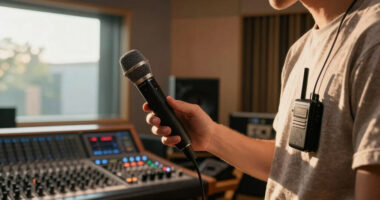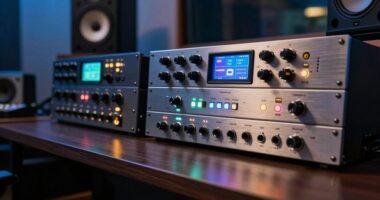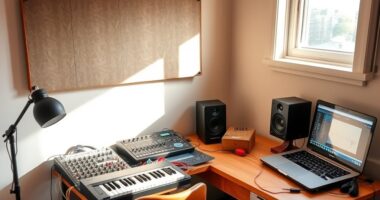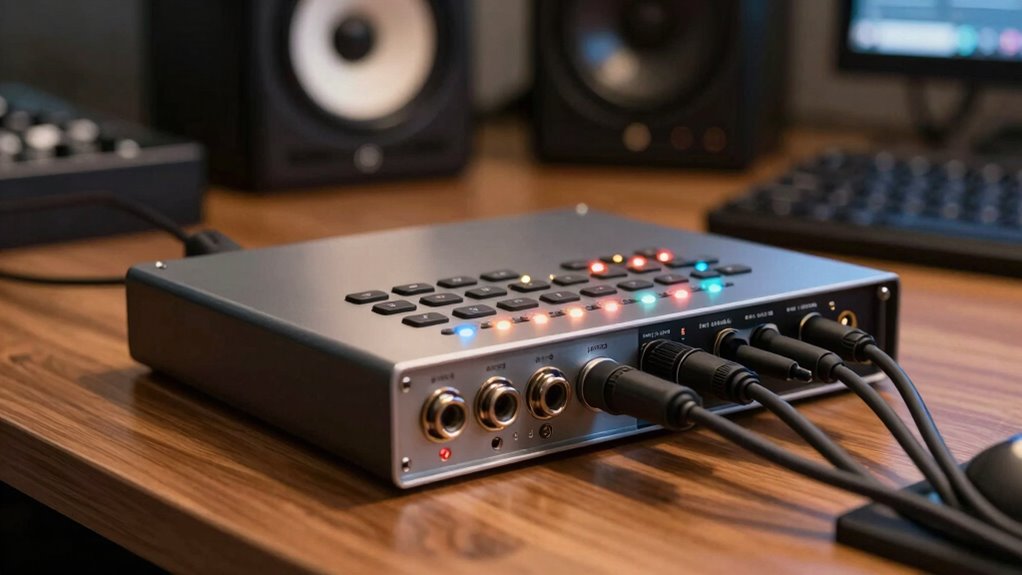
Many producers ignore low-latency monitoring and phantom power until technical issues disrupt their workflow or recordings. Without low-latency monitoring, delays cause timing problems and hinder performance, while neglecting phantom power can result in weak sound or equipment damage. These features are often overlooked in initial setups but become apparent when delays or sound quality issues emerge. Keep going, and you’ll discover how mastering these overlooked details can save your sessions and elevate your sound.

Get audio and creator gear delivered free — and shop member deals
- Fast, free delivery on millions of items
- Access to Prime Big Deal Days deals on October 6–7
- Prime Video, Amazon Music and more included
Key Takeaways
- Many producers overlook low-latency monitoring, leading to timing issues and disrupted performances during recording sessions.
- Phantom power is often ignored initially, risking inadequate condenser microphone performance or damage.
- Producers frequently neglect to verify if their interface provides adequate phantom power for their microphones.
- The importance of understanding hardware features behind menus, like latency and monitoring options, is often underestimated.
- Overlooking proper interface features can cause costly mistakes, affecting sound quality and workflow efficiency.
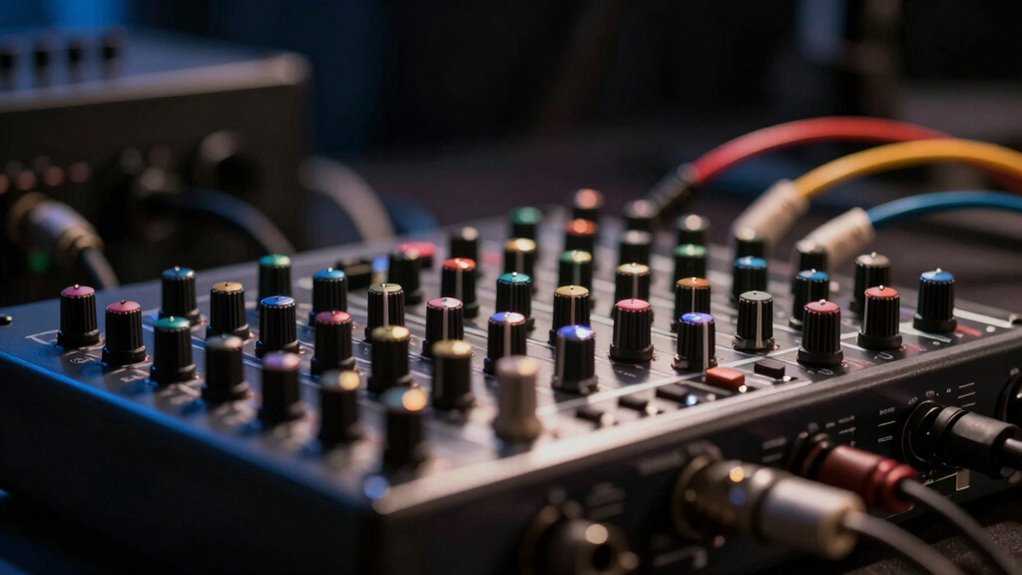
Many producers overlook an essential feature of audio interfaces that can greatly enhance their workflow and sound quality. That feature is the implementation of low-latency monitoring and proper phantom power management. While many focus on the number of inputs and outputs, they often ignore how latency issues can sabotage their recording experience or how phantom power can be critical for capturing vocals and instruments accurately. If you don’t pay attention to these aspects, you risk delays in your recordings, poor sound quality, or even damaging your microphones.
Latency issues are one of the biggest hurdles in home or professional studio setups. When you record, especially with software monitoring, even a slight delay can throw off your timing and make it difficult to perform naturally. Many audio interfaces boast impressive specs, but if they don’t have low-latency monitoring capabilities, you’ll find yourself constantly battling timing problems. This can lead to frustration, reduced productivity, and compromised performances. The key is to choose an interface that offers direct monitoring features, allowing you to listen to your inputs in real-time without noticeable delay. When you eliminate or minimize latency, you focus more on your performance and less on the technical hiccups. Understanding hardware features like this can help you optimize your setup and avoid common pitfalls. Additionally, it’s important to consider how audio signal flow is managed within your interface to ensure a smooth recording process.
Phantom power is another feature that often gets overlooked until it’s too late. If you plan on recording with condenser microphones, phantom power is non-negotiable. Without it, these mics won’t function properly, and you’ll miss out on capturing the detailed sound they’re capable of delivering. Some producers assume their microphones are compatible without realizing that phantom power needs to be supplied via their audio interface. Failing to enable or provide adequate phantom power can result in weak recordings or no sound at all. Additionally, some interfaces allow you to toggle phantom power for individual inputs, giving you more control and protecting your equipment from potential damage. Recognizing the importance of this feature upfront saves you from costly mistakes and ensures your recording sessions go smoothly. Being aware of microphone compatibility and phantom power requirements can prevent frustrations during setup and recording.
Furthermore, understanding audio interface features such as latency and phantom power can help you make more informed decisions when upgrading your equipment, ensuring you invest in tools that support your creative process. Recognizing the importance of these features upfront saves you from costly mistakes and ensures your recording sessions go smoothly. In the end, paying attention to how your interface handles latency and phantom power can elevate your recording process profoundly. These features are often hidden behind menus or overlooked in specs, but they directly impact your sound quality and workflow. By prioritizing low-latency monitoring and proper phantom power support, you’ll create a more efficient, professional environment that lets your creativity shine without technical distractions. Ignoring these features until problems arise can be costly—so be proactive and choose an interface that supports your needs today.
As an affiliate, we earn on qualifying purchases.
Frequently Asked Questions
How Does Buffer Size Affect Audio Performance?
Buffer size directly impacts your audio performance by influencing latency management and buffer optimization. When you set a smaller buffer size, you reduce latency, making real-time recording and monitoring smoother. However, it can strain your system, causing glitches. A larger buffer size eases this strain but increases latency, which may hinder playback. Adjust your buffer size based on your project needs to find the right balance between performance and latency.
What Is the Significance of Sample Rate in Audio Interfaces?
Imagine your music soaring like a bird in the sky—that’s the power of a high sample rate. It determines how accurately your audio interface captures sound, directly impacting audio fidelity. A higher sample rate preserves more detail, making your recordings clearer and more vibrant. Ignoring this setting means sacrificing sound quality, which can leave your tracks sounding dull or muddy. So, choosing the right sample rate keeps your music crisp and alive.
Can Upgrading the Audio Interface Improve Recording Quality?
Upgrading your audio interface can improve recording quality by offering better microphone compatibility and ensuring power supply stability. With a more advanced interface, you’ll experience clearer sound, reduced noise, and more reliable performance when capturing vocals or instruments. This means your recordings will sound more professional and consistent. Plus, better power stability prevents unexpected interruptions, making your production process smoother and more efficient.
How Do Different Input/Output Configurations Impact Workflow?
Imagine your studio as a bustling control room—your input versatility allows you to connect diverse microphones and instruments seamlessly, like plugging into a vast web of creativity. Output routing shapes your soundscape, directing signals precisely where they need to go. Different configurations streamline your workflow, reducing clutter and confusion. With flexible input/output setups, you gain efficiency, making recording sessions smoother and inspiring better, more dynamic performances.
What Troubleshooting Steps Exist for Audio Interface Latency Issues?
To troubleshoot audio interface latency issues, start by checking your driver optimization settings and update your drivers if needed. Enable latency reduction features in your interface’s control panel, and lower buffer sizes to minimize delay. Also, close unnecessary background applications that could interfere. Testing different USB ports or connecting directly to your computer can improve performance, ensuring smoother recording and playback without annoying delays.
As an affiliate, we earn on qualifying purchases.
Conclusion
Don’t overlook the importance of your audio interface’s preamp quality—many producers dismiss it until they face distorted recordings or noise issues. Some believe all preamps are the same, but the truth is, a high-quality preamp can be the difference between a good track and a great one. Investing in this feature now might save you hours of frustration later. Trust me, your future self will thank you for recognizing its true value before it’s too late.
audio interface with direct monitoring
As an affiliate, we earn on qualifying purchases.
As an affiliate, we earn on qualifying purchases.
condensor microphone with phantom power
As an affiliate, we earn on qualifying purchases.
As an affiliate, we earn on qualifying purchases.
Fall Picks
fall essentials
As an affiliate, we earn on qualifying purchases.