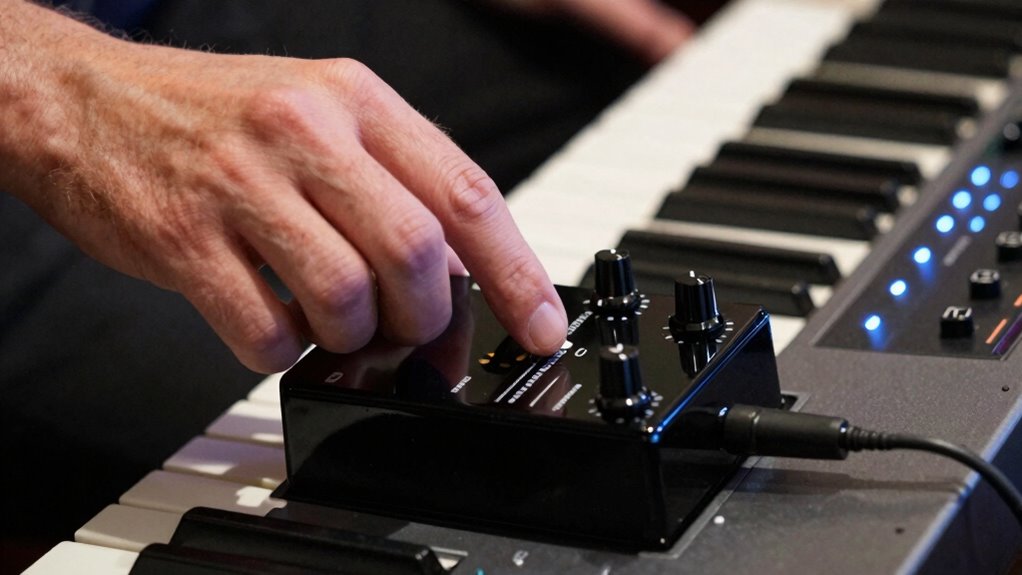

Using an expression pedal with your keyboard lets you control sound parameters like volume, effects, or filter slides in real-time. It adds a layer of emotional expression, helping you communicate more vividly through your playing. You can create smooth swells, crescendos, and dynamic shifts that bring your performance to life. With versatile control and advanced technology integration, you’ll discover new ways to shape your sound—stick around to learn how to make the most of this powerful tool.

Get audio and creator gear delivered free with Prime
- Fast, free delivery on millions of items
- Prime Video, Amazon Music and more included
- Member-only deals all year
Key Takeaways
- Enable real-time, dynamic control of parameters like volume, effects, and filter settings for expressive playing.
- Allow seamless modulation such as swelling effects, vibrato, or filter opening to enhance emotional impact.
- Provide versatility by assigning to multiple parameters, creating complex, evolving soundscapes.
- Integrate with MIDI technology for precise control and innovative sound design.
- Foster a deeper connection between performer and audience through nuanced, emotionally engaging performances.
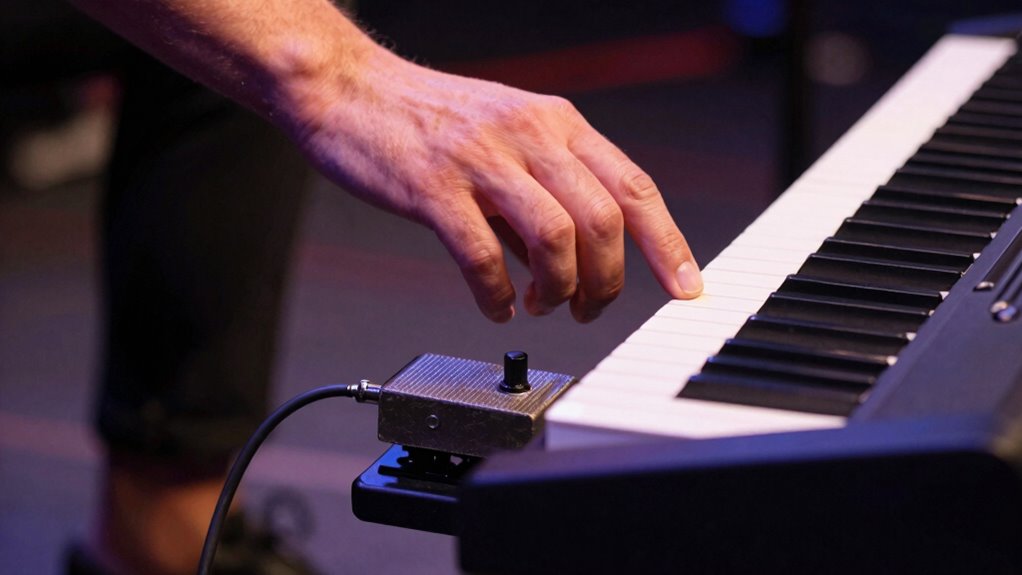
Expression pedals are essential tools for keyboard players looking to add dynamic control to their performances. They serve as a bridge between your playing and the sound you want to shape, allowing you to manipulate various parameters in real-time. When you incorporate an expression pedal into your setup, you gain the ability to perform smooth, expressive changes that can elevate your music from flat to emotionally engaging. With MIDI control, you can assign the pedal to adjust a wide range of settings—volume, filter cutoff, effects intensity, or even specific synth parameters—giving you instant, hands-on access to shaping your sound.
One of the most significant benefits of using an expression pedal is dynamic modulation. Instead of static settings, you can breathe life into your sound by gradually increasing or decreasing effects or parameters as you perform. Imagine swelling a pad at the start of a phrase or gradually increasing vibrato to build tension—these effects become seamless with an expression pedal. This real-time control helps you communicate emotion more effectively, making your performance feel more lively and engaging. It’s like adding a new dimension to your playing, where your gestures directly influence the sound’s character.
Dynamic modulation brings your performance to life with seamless, expressive control over effects and parameters.
The versatility of expression pedals means you’re not limited to a single function. You can assign the pedal to control multiple parameters within your instrument or MIDI setup, switching between different modulation schemes as needed. For example, during a solo, you might use the pedal to gradually open a filter, creating a sense of crescendo, and then switch to controlling volume during a chorus. This flexibility allows you to craft complex, evolving soundscapes that respond dynamically to your musical ideas. Additionally, understanding how MIDI control works can help you optimize your setup for more precise and creative expression. Incorporating digital technology into your setup further enhances the possibilities for nuanced control and innovative sound shaping. Exploring technological advancements can also inspire new ways to enhance your overall performance and sound design. Integrating sustainable practices into your workflow can lead to more environmentally conscious choices in your equipment and setup, fostering a deeper connection between your music and ecological awareness.
As an affiliate, we earn on qualifying purchases.
Frequently Asked Questions
Can Expression Pedals Be Used With All Keyboard Brands?
Not all keyboards are compatible with expression pedals, so pedal compatibility varies by brand and model. You’ll find some keyboards offering great keyboard versatility, easily accommodating pedals, while others don’t support them at all. To guarantee the best experience, check your keyboard’s specifications for pedal support and compatibility. This way, you can expand your performance options confidently, knowing your pedal will work seamlessly with your instrument.
How Do I Connect an Expression Pedal to My Keyboard?
To connect an expression pedal to your keyboard, first check the compatibility considerations in your manual or with the manufacturer. Typically, you’ll find a dedicated pedal input—plug the pedal into this jack, guaranteeing proper pedal placement for easy access. Adjust settings on your keyboard, if needed, to assign the pedal’s functions. Compatibility considerations are essential, so confirm the pedal works with your specific keyboard model to guarantee smooth performance.
Are There Different Types of Expression Pedals for Keyboards?
Think of expression pedals as different brushes for your sonic canvas. Yes, there are various types designed for keyboards, each with unique pedal compatibility and sound modulation capabilities. Some operate with continuous control, like a smooth paintbrush stroke, while others offer switch-like functions. Choosing the right pedal depends on your needs—whether you want subtle volume shifts or dramatic effects—allowing you to shape your sound landscape with precision and flair.
How Do I Calibrate an Expression Pedal for Optimal Performance?
To calibrate your expression pedal for peak performance, start by connecting it to your keyboard. Access the pedal calibration setting in your device’s menu, then slowly press and release the pedal to its full range. Adjust the calibration until the keyboard registers the full sweep smoothly. Proper pedal calibration guarantees performance enhancement, giving you precise control over dynamics and effects. Regular calibration keeps your pedal responsive and enhances your playing experience.
Can Expression Pedals Control Multiple Parameters Simultaneously?
Yes, you can control multiple parameters simultaneously with expression pedals. Curiously, many modern keyboards support parameter synchronization, allowing you to assign one pedal to modulate various effects or parameters in real time. This setup enables smooth, dynamic performances, giving you more expressive control. By linking parameters, you can create complex sounds effortlessly, making your playing more versatile and engaging.
As an affiliate, we earn on qualifying purchases.
Conclusion
Using an expression pedal is like giving your keyboard a voice, allowing you to shape your sound with fluid, expressive control. I once watched a musician seamlessly sweep through a solo, pedal in hand, transforming a simple melody into a soaring emotional journey. Just as a painter mixes colors to evoke mood, an expression pedal adds depth and nuance, making your performances more vivid and alive. It’s a small tool that opens a world of expressive possibility.
volume and effects control pedal for synthesizer
As an affiliate, we earn on qualifying purchases.
As an affiliate, we earn on qualifying purchases.
keyboard expression pedal with filter control
As an affiliate, we earn on qualifying purchases.
As an affiliate, we earn on qualifying purchases.
Halloween Picks
halloween
As an affiliate, we earn on qualifying purchases.