
To build an all-in-one DAW setup, you should choose hardware components like a versatile audio interface, MIDI controllers, and hardware synths that seamlessly connect with your chosen DAW. Organize your workspace for easy access and set up templates to streamline your workflow. Focus on hardware compatibility and expandability to future-proof your system. Keep exploring to discover how these tools come together for a smooth, efficient music production environment.
Key Takeaways
- Choose an all-in-one DAW platform that integrates hardware controls and software seamlessly for streamlined workflow.
- Select compatible hardware components like audio interfaces, MIDI controllers, and synthesizers for reliable communication.
- Prioritize expandable connectivity options (USB, Thunderbolt) to future-proof your setup and add new tools easily.
- Organize workspace with ergonomic hardware placement and customizable software templates to enhance efficiency.
- Ensure real-time responsiveness between hardware and software to minimize troubleshooting and maximize creative focus.
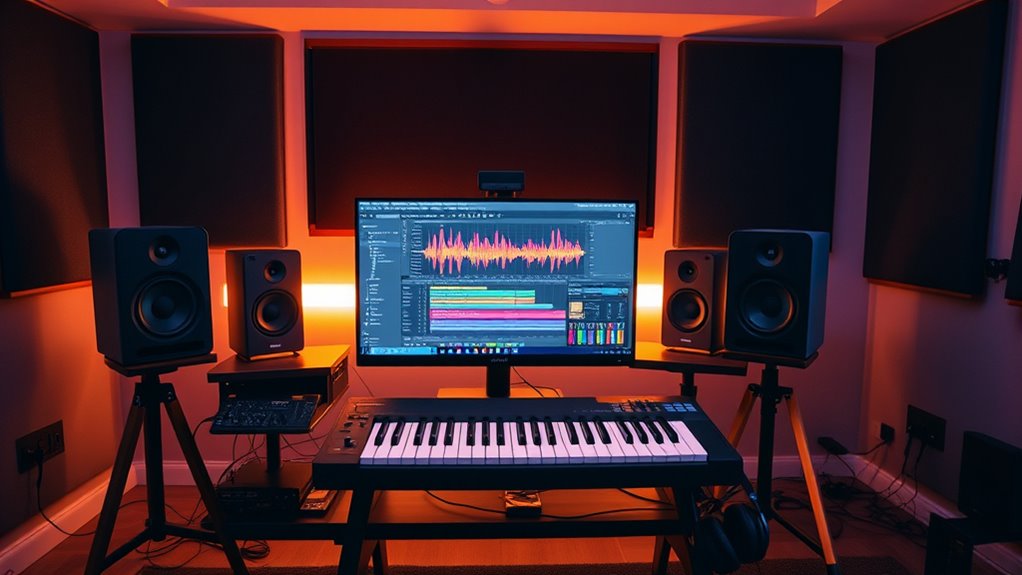
Creating an all-in-one DAW setup can streamline your music production process by combining hardware and software into a cohesive system. When you focus on hardware integration, you guarantee that all your physical gear works seamlessly with your digital environment, minimizing setup time and technical hiccups. This unified approach allows you to craft a more efficient workflow, where hardware controls like MIDI controllers, audio interfaces, and external synthesizers communicate effortlessly with your DAW software. Instead of juggling multiple disconnected devices, you get a smooth, intuitive experience that keeps you in the creative zone.
An all-in-one DAW setup streamlines music production by seamlessly integrating hardware and software for a more efficient workflow.
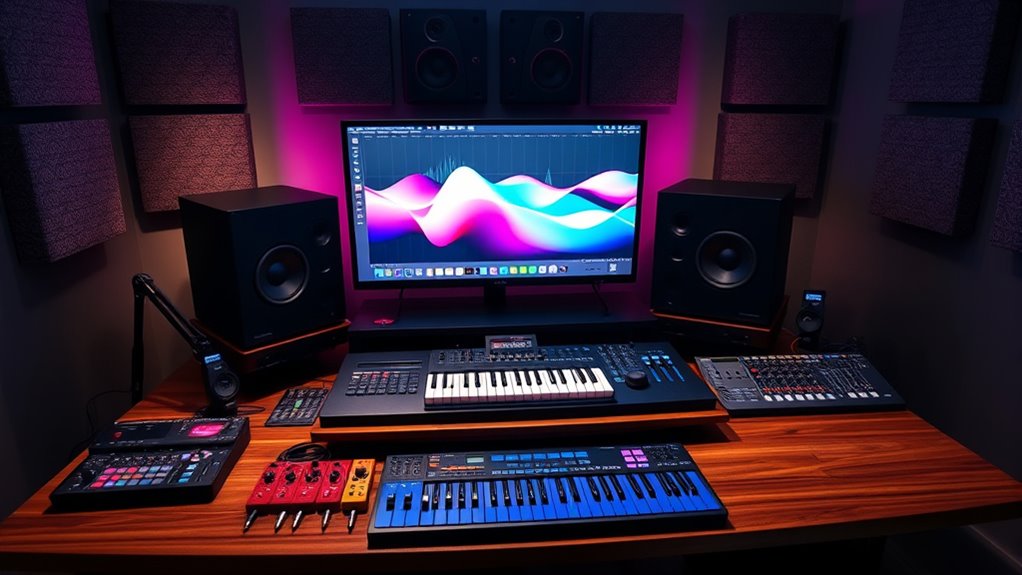
Optimizing your workflow starts with choosing the right hardware components that complement your software. For example, an audio interface with multiple inputs and outputs lets you record various instruments and vocals simultaneously, reducing the need for complex routing later. A MIDI controller with assignable knobs and pads can give you tactile control over virtual instruments and effects, speeding up editing and mixing. When these hardware elements are well-integrated, you eliminate unnecessary steps—like manual data transfer or complex routing—that slow down your production process. As a result, you spend more time making music and less time troubleshooting technical issues.
To build an effective all-in-one setup, you should prioritize compatibility and expandability. Look for hardware that’s designed to work with your preferred DAW and offers flexible connectivity options. For instance, USB or Thunderbolt interfaces can connect multiple devices without latency issues, ensuring real-time response. Incorporate hardware synths or drum machines that sync effortlessly with your DAW via MIDI or CV/Gate connections, enabling you to layer sounds effortlessly. By ensuring robust hardware integration, you create a system that feels unified and responsive, which directly boosts workflow optimization. You won’t have to waste time fiddling with incompatible gear or adjusting settings constantly.
Another key aspect is organizing your workspace for maximum efficiency. Position your hardware within easy reach, and set up your software interface to match your hardware layout as closely as possible. Use templates and presets to create quick access points for your most-used tracks and effects. This setup reduces the number of clicks and menu dives, keeping your creative momentum flowing. When your hardware and software work together seamlessly, you’ll notice that your production process becomes more intuitive, with fewer interruptions and more focus on the creative aspects of music creation. Additionally, choosing projectors with high contrast ratios can significantly improve your viewing experience during editing and mixing, especially in darker environments.
Top picks for "build setup tool"
Open Amazon search results for this keyword.
As an affiliate, we earn on qualifying purchases.
Frequently Asked Questions
How Do I Choose the Best All-In-One DAW for My Needs?
To choose the best all-in-one DAW for your needs, focus on workflow integration and plugin compatibility. Consider how intuitive the interface is for your workflow and whether it seamlessly integrates with your existing hardware and software. Test the DAW’s plugin support, ensuring it works smoothly with your preferred plugins. Prioritize options that match your style, budget, and production goals to find the perfect fit.
Can I Customize an All-In-One DAW Setup Easily?
Yes, you can customize an all-in-one DAW setup easily. Look for options that offer customization flexibility, allowing you to tailor workflows to your preferences. Many DAWs integrate seamlessly with various plugins and hardware, enhancing workflow integration. You can often modify layouts, assign shortcuts, and add tools to suit your production style, making the setup more efficient and personalized without complex procedures.
What Are the Hardware Requirements for an All-In-One DAW System?
Think of your DAW system as a sturdy ship. You need a powerful CPU, ample RAM, and a reliable audio interface for smooth sailing. Confirm hardware compatibility with your chosen software, and consider upgrade potential—like adding new sails—to keep up with your growing needs. A dedicated graphics card isn’t essential but can help. Prioritize a fast SSD for quick access, and your setup will handle any production voyage.
How Do I Troubleshoot Common Issues in an Integrated DAW Setup?
When troubleshooting common issues in your integrated DAW setup, start by checking for software conflicts and hardware compatibility problems. Confirm your drivers are up to date and that no other programs are interfering with your DAW’s operation. Restart your system, disconnect unnecessary peripherals, and test your setup incrementally. If problems persist, consult the DAW’s support resources or forums for specific advice related to your hardware and software configuration.
Are There Any Budget-Friendly All-In-One DAW Options Available?
Are you looking for a budget-friendly all-in-one DAW? You’ll find several cost-effective alternatives that suit beginners perfectly. Options like Cakewalk, Tracktion, and Reaper offer powerful features without breaking the bank. These beginner-friendly choices provide intuitive interfaces and essential tools for complete music production. Don’t let budget constraints hold you back—explore these affordable DAWs to start creating professional-sounding music today. Isn’t it time you turned your ideas into reality?
Conclusion
With your all-in-one DAW setup, you’re crafting a mighty ship ready to sail any musical sea. Every tool and feature becomes a sturdy plank or a guiding sail, propelling your creative voyage forward. As you navigate through tracks and mixes, remember that this setup is your lighthouse—brightening your path and ensuring you never lose your way. Embrace the journey, and let your music flow as freely as a river meeting the open sea.