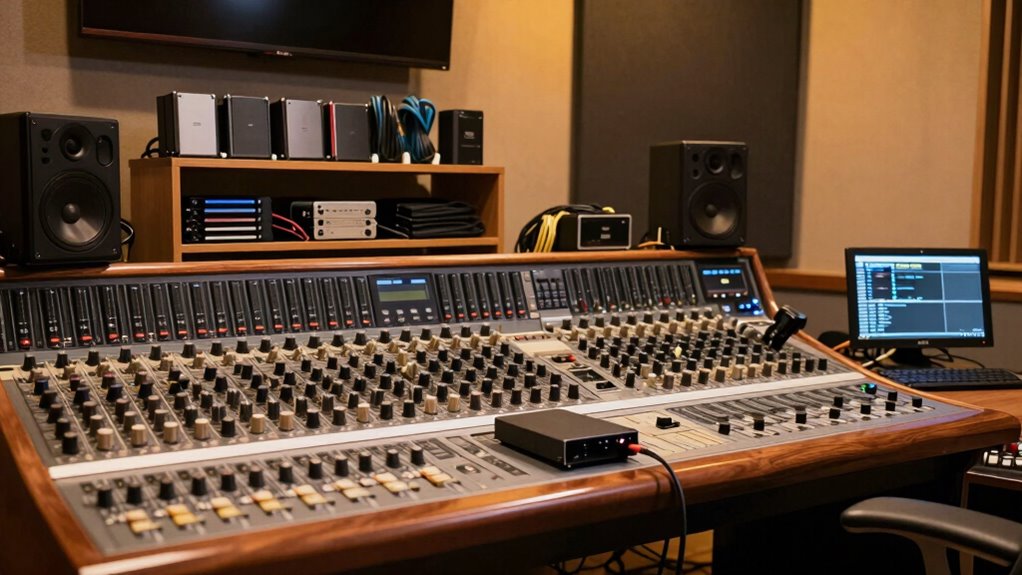

To prevent disaster in your music studio, develop a reliable backup habit that combines file versioning, cloud synchronization, and routine checks. Save multiple project versions, automate cloud backups, and regularly monitor your data safety processes. Establish a consistent schedule for saving and syncing your work, ensuring your projects are protected from hardware failures, accidental overwrites, or data corruption. Keep your protection measures integrated into your daily workflow — discovering more ways to secure your creative work is just ahead.
Key Takeaways
- Implement automated cloud backups to continuously save your project files across devices.
- Use file versioning within your DAW to keep multiple project iterations accessible.
- Schedule regular backup routines after each recording or editing session for consistent data protection.
- Secure cloud storage with strong passwords and encryption to prevent unauthorized access.
- Combine local and cloud backups to create multiple layers of data security and recovery options.
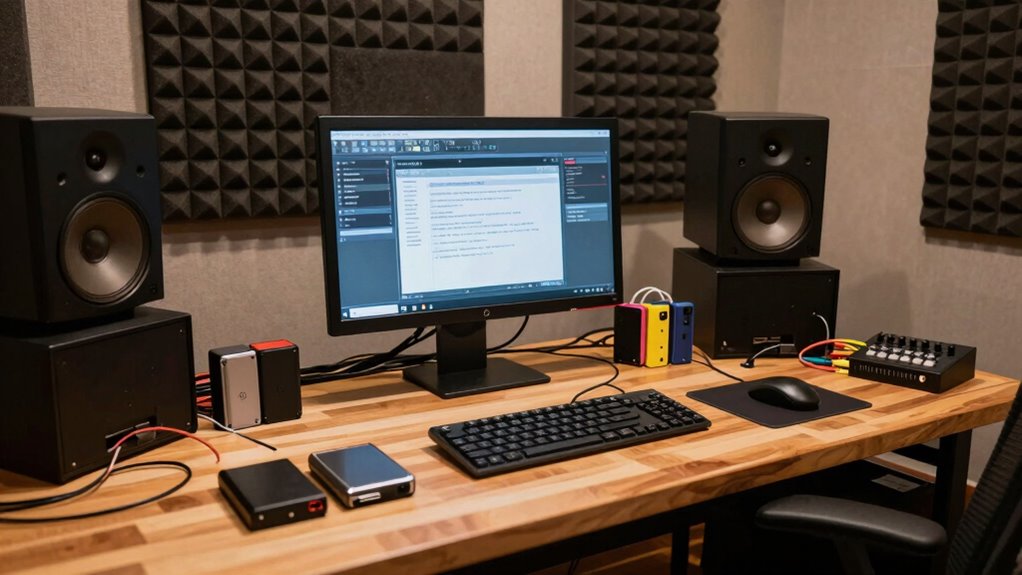
Creating a backup habit for your music studio is essential to protect your creative work from unexpected data loss. When you’re immersed in composing, mixing, or recording, it’s easy to overlook how quickly a single mishap can wipe out hours of effort. That’s why establishing a reliable backup routine isn’t just smart—it’s necessary. One of the most effective ways to safeguard your projects is by utilizing file versioning. This method allows you to save multiple iterations of your files, so if you make a mistake or need to revert to an earlier stage, you can do so effortlessly. Instead of overwriting files each time you make changes, you save new versions, creating a clear history of your work’s evolution. This way, you’re never stuck with a corrupted or unwanted update, and you maintain control over the creative process.
Implementing file versioning ensures your music projects are protected and easily recoverable at any stage.
In addition to file versioning, embracing cloud synchronization can elevate your backup strategy. Cloud services automatically sync your files across multiple devices, ensuring your projects are continuously backed up without manual intervention. With cloud synchronization, your music files, presets, and session data are stored securely online, protected from hardware failures or theft. Plus, cloud backups are accessible from anywhere, so you can retrieve or update your files whether you’re in the studio, at home, or on the go. This flexibility means that your work remains safe, even if your primary device encounters issues. Regularly monitoring your backup procedures can help you identify and address any gaps in your data protection system. Incorporating cloud security strategies can further enhance the safety of your stored data by protecting it from unauthorized access. Additionally, understanding the importance of data redundancy can help ensure your backups are reliable and comprehensive. Maintaining a consistent backup schedule can also help reinforce your routine and prevent lapses in data protection.
The key is to integrate both practices seamlessly into your routine. Set up your digital audio workstation (DAW) to automatically save different versions of your projects at regular intervals, and configure your cloud service to sync specific folders dedicated to your music projects. This dual approach ensures that you’re not relying solely on manual saves or local backups, which can be forgotten or compromised. Implementing automatic backup systems can save you time and ensure consistency in your data protection efforts. Keep in mind, regular backups are more effective when they’re part of your daily workflow, so develop the habit of saving and syncing your work after every session or significant change. This discipline prevents data loss and gives you peace of mind, freeing you to focus entirely on your creative process.
In the end, the best backup habit combines file versioning and cloud synchronization. By doing so, you create multiple layers of protection that safeguard your music, ideas, and hard work. Make it a routine, not an afterthought, and you’ll minimize the risk of disaster disrupting your artistic journey. Protecting your projects isn’t just about avoiding frustration; it’s about preserving your passion and dedication for the long run.
automatic cloud backup for music projects
As an affiliate, we earn on qualifying purchases.
As an affiliate, we earn on qualifying purchases.
Frequently Asked Questions
How Often Should I Back up My Music Studio Files?
You should back up your music studio files at least once a week to guarantee you don’t lose recent work. Maintaining good music file organization helps streamline this process. Set a backup schedule consistency that fits your workflow—daily or after major sessions is ideal. Regular backups protect your projects from hardware failures, accidental deletions, or software issues, giving you peace of mind and saving you hours of potential rework.
What Is the Best Backup Method for Large Audio Projects?
You should prioritize backup redundancy with your large audio projects, as studies show data loss affects 30% of creators annually. Use a combination of external drives and cloud storage to guarantee safety. Compress your audio files effectively to save space without sacrificing quality, making backups quicker. Regularly update backups, and keep multiple copies in different locations. This strategy minimizes risks and keeps your projects secure, even if hardware fails.
Can Cloud Backups Replace Physical Storage Devices?
Cloud backups can’t fully replace physical storage devices because physical storage offers direct, fast access and control, especially for large audio projects. However, combining both provides ideal protection through cloud redundancy, ensuring your data stays safe if physical devices fail or are damaged. You should use physical storage for quick access and regular backups, while cloud backups act as an off-site safety net, minimizing disaster risks.
How Do I Ensure the Security of My Backup Data?
Did you know that 60% of data breaches involve weak security measures? To guarantee your backup data stays safe, use strong encryption protocols to protect sensitive information, and implement data redundancy across multiple backup locations. Regularly update your security settings and monitor access logs. These practices help prevent unauthorized access and data loss, giving you peace of mind knowing your valuable music project files are secure against cyber threats and hardware failures.
What Backup Software Is Recommended for Musicians?
You should consider backup software like Acronis True Image or Synology Drive, which offer robust features for musicians. They provide file encryption to keep your music files secure and support backup automation, so you don’t have to remember to back up manually. These tools make it easy to maintain consistent, encrypted backups of your projects, ensuring your creative work stays safe and accessible, even in emergencies.
file versioning software for DAW
As an affiliate, we earn on qualifying purchases.
As an affiliate, we earn on qualifying purchases.
Conclusion
By making regular backups part of your music studio routine, you safeguard your creative work from unexpected disasters. Imagine losing months of recordings just because you forgot to save—it’s a nightmare no artist wants. But if you set up automatic backups today, you won’t have to worry. Think of it as your safety net; it’s the habit that keeps your passion alive, no matter what surprises come your way. Don’t wait—back up now and protect your music journey.
As an affiliate, we earn on qualifying purchases.
encrypted cloud storage for music files
As an affiliate, we earn on qualifying purchases.
As an affiliate, we earn on qualifying purchases.